
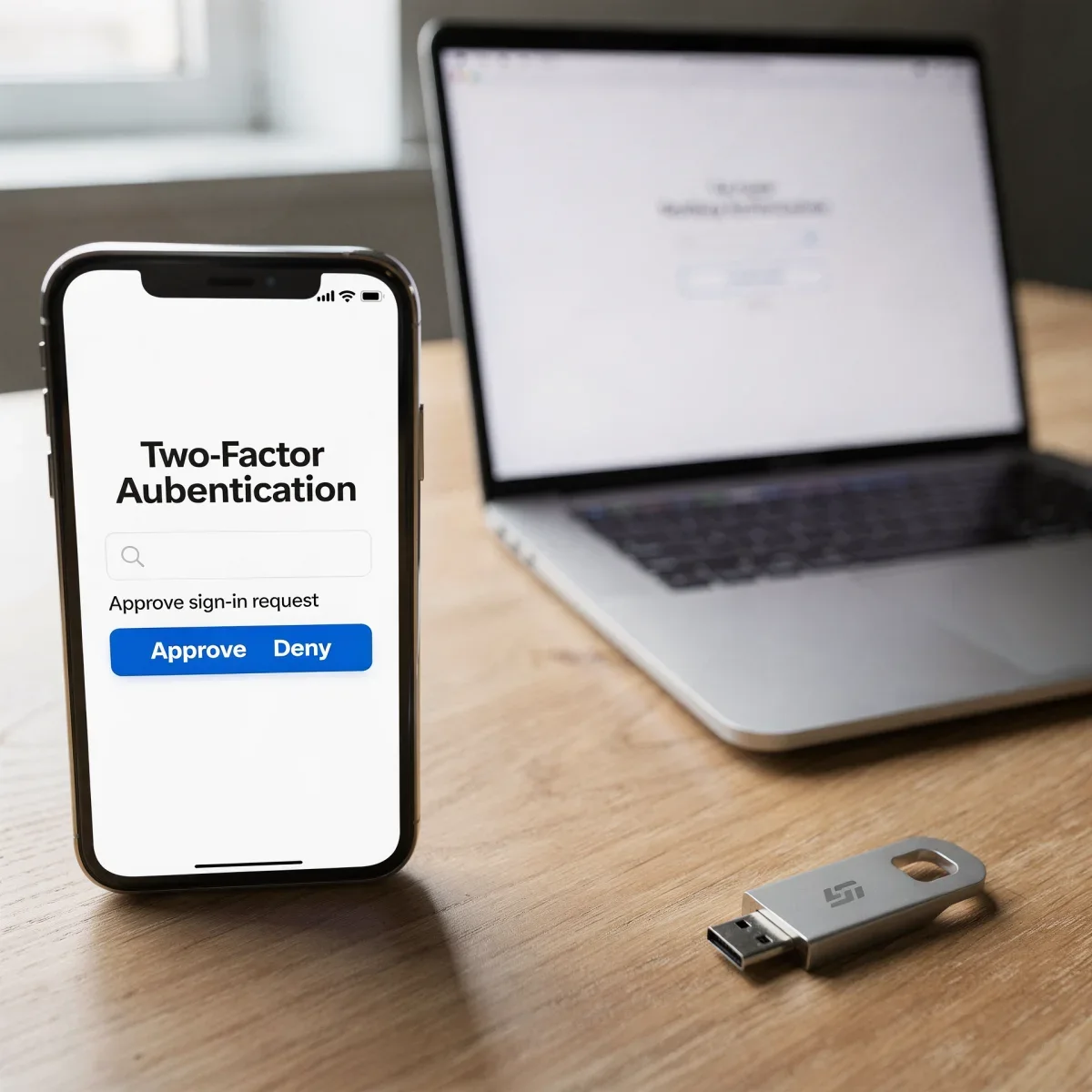
Keeping your online accounts safe can feel like a full-time job, especially when data breaches hit the headlines every week. Passwords alone simply do not offer enough protection anymore. If you want an easy, proven way to lock down your personal data, this guide to two-factor authentication breaks down everything you need to know in plain English.
Advertisements
What Is Two-Factor Authentication?
Two-factor authentication (often shortened to 2FA) is an extra layer of security designed to ensure that you are the only person who can access your account. Instead of relying solely on a password, 2FA requires you to provide two distinct pieces of evidence—known as factors—before granting access.
Security experts generally divide these factors into three categories:
- Something you know: Your master password, a PIN, or answers to secret questions.
- Something you have: Your smartphone, an authenticator app, a physical security key, or an email account.
- Something you are: Biometric data such as your fingerprint or facial recognition scan.
The Most Common Types of 2FA (and Which to Choose)
Not all two-factor methods offer the same balance of security and convenience. Understanding the differences helps you pick the right option for your most critical accounts, like banking, email, and social media.
| 2FA Method | Security Level | Best For |
|---|---|---|
| SMS Verification Codes | Basic | Casual accounts, beginners wanting quick setup |
| Authenticator Apps | Strong | Daily logins (Google Authenticator, Authy, 1Password) |
| Hardware Security Keys | Maximum | High-risk accounts, banking, primary email (YubiKey) |
While text message (SMS) codes are the most common, they carry risks like SIM-swapping scams. For better safety, free authenticator apps generate time-based codes right on your device without needing cellular service.
How to Set Up 2FA on Your Accounts
Adding this protection takes less than two minutes per service. Whether you use Apple, Google, Amazon, or your local bank, the process follows standard steps across almost every major platform.
- Step 1: Log in to your account and open the Settings or Security menu.
- Step 2: Look for an option labeled Two-Factor Authentication, 2-Step Verification, or Multi-Factor Authentication (MFA).
- Step 3: Choose your preferred method (such as an authenticator app) and scan the QR code displayed on your screen.
- Step 4: Save your backup recovery codes in a safe spot, like a secure password manager or a private physical notebook.
Key Points to Remember
- Two-factor authentication drastically lowers the chance of unauthorized logins even if someone steals your password.
- Authenticator apps provide significantly stronger security than standard SMS verification codes.
- Always download and store your emergency backup codes to avoid being permanently locked out of your accounts.
Frequently Asked Questions
What happens if I lose my phone with 2FA?
If you lose your phone, you can regain access using the backup codes you saved during setup. Many authenticator apps also offer encrypted cloud backups to restore your codes on a replacement device.
Is SMS two-factor authentication safe enough?
SMS verification is better than having no extra security, but bad actors can intercept text messages via SIM-swapping. For sensitive accounts like primary email and banking, an authenticator app provides superior defense.
Does 2FA slow down my daily logins?
Most platforms allow you to trust your primary personal devices for 30 days or longer. You will usually only need to enter a secondary verification code when signing in from an unfamiliar browser or location.
Strengthen Your Digital Security Today
Taking a few moments to follow this guide to two-factor authentication gives you immediate peace of mind across all your digital accounts. Start with your primary email and password manager today, and check out our other tech security guides to keep your digital life safe.